Enter Password
Hint: This case study is password protected. For access, please contact -> hello@chaejin.com 💌
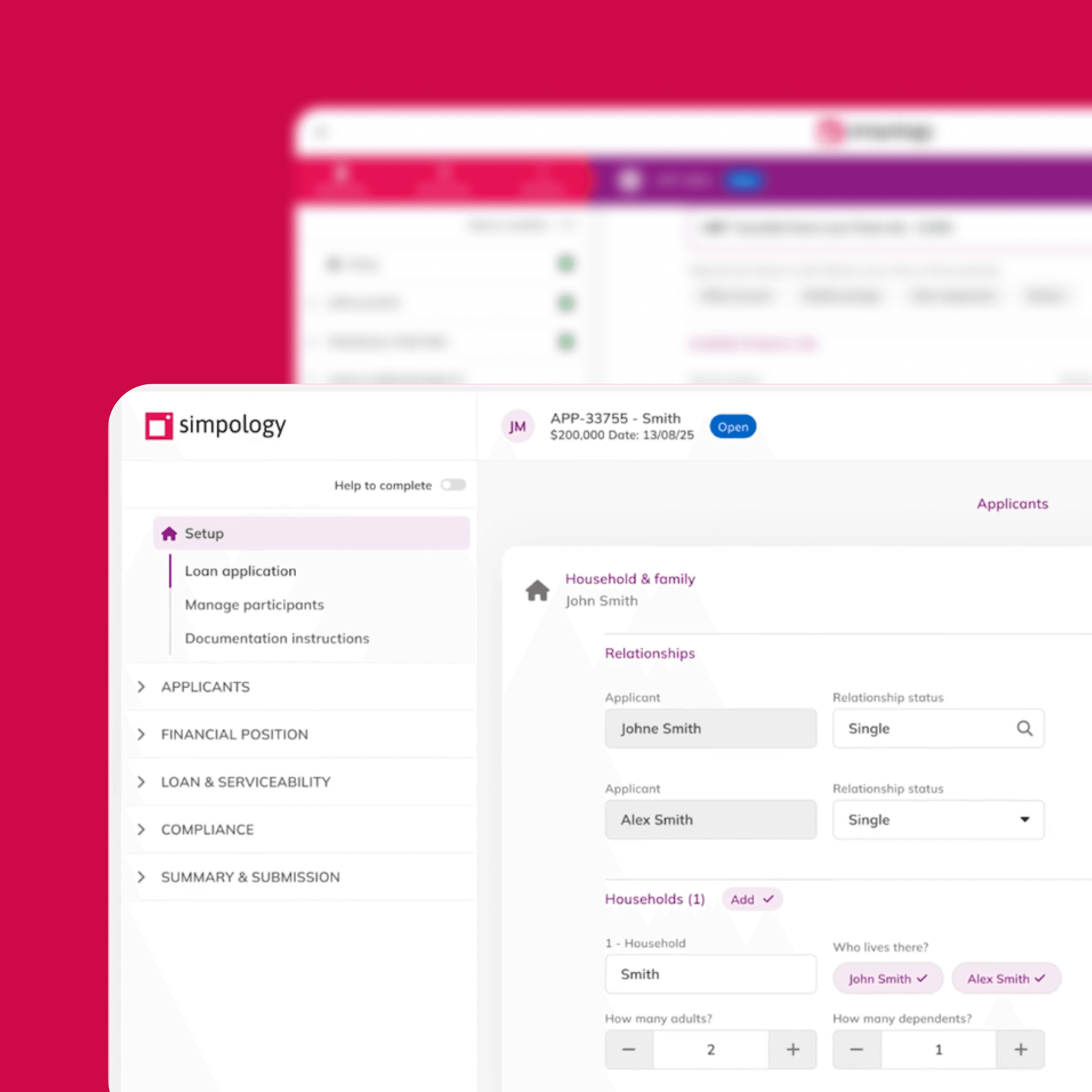
Simpology / Loanapp
Helping brokers understand what the system is telling them and what to do next
Four pieces of work on Loanapp, a mortgage origination platform for brokers.
Stages describe the work as documented in Jun–Aug 2026, not its verified status today.
The pieces were at different stages, and post-launch outcomes are not reported here.
Role
Product Designer (UX/UI)
Product
Simpology
Duration, Year
Jun-Aug, 2026
Services
Product Design (UX/UI)
Design Strategy
User Flow Mapping
Rapid Prototyping
Contributors


Context
Simpology serves brokers, aggregators and lenders. Loanapp prepares and submits mortgage applications, while Workflow supports lender assessment. Services such as Equifax and Fortiro income verification run as widgets. The platform is configurable for each lender’s products, policies and rules.
My role
As Product Designer (UX/UI), I worked across product selection, verification messaging, application validation and serviceability. I mapped application states and edge cases, explored design directions and shaped proposals around broker feedback and engineering constraints.
Explore the four pieces of work
01
Product selection & eligibility
Why a product is missing and what to change.
Scheduled, Sep - Oct
02
Verification messaging
What failed and the next step.
In develoment
03
Application validation panel
Required items and warnings in one place.
Concept, presented
04
Serviceability uplift
How each figure is calculated
Early discovery
Problem
Brokers discuss products before entering Loanapp, but only products matching lender criteria appeared. Expected products were missing without explanation. Selected products becoming ineligible could be silently replaced or cleared.
Constraints
The work brought together three problems: hidden ineligibility reasons, silent changes to selected products and CRM import mapping errors. It needed to support manual and CRM-imported applications, single and split loans, and complex matching against a live product catalogue.

Current loan product results
1.1 Mapping the scenarios

Design V2

Design V4
I mapped manual applications without a product, eligible imported preselections, newly ineligible imported preselections and split loans that need a product for each split. Search remains consistent across these scenarios. Ineligible imported products are flagged with reasons rather than silently replaced.
1.2 Iterations

Design iterations

Split loans design options
The first version used a show-all toggle, but matching against the live catalogue introduced backend complexity. Walkthroughs and mapping sessions with the product owner, who is also an engineer, led to two explicit tabbed views and clear engineering states. For split loans, I explored headers showing the amount and product, with collapsible splits so brokers could work on one at a time.
1.3 Final direction

Single & Split loan flow

Ineligibility now visible with reason
The final direction shows eligible products first, while allowing brokers to search and inspect ineligible products. Each split has its own product and status. When an imported product is ineligible, brokers can review the reasons, adjust the application or choose another product. Each reason identifies the field, its current value, why it fails and where to fix it. For example, an LVR of 92% would exceed a product’s maximum of 90%. This illustrates a rule rather than a measured outcome.
Problem
When verification failed, brokers saw only a status and timestamp, without an explanation. They had to guess what had happened, resubmit or contact support.
Constraint
The design works within the existing engineering error-code logic, with each message mapped to a system response.
Design
I designed a reusable message component that distinguishes success from items needing attention. Beside the result, it explains the issue and the next action: resubmit, or skip verification and upload documents.

Introducing new components

Before

After
Problem
Rules and alerts were spread across the application and organised around the platform rather than the broker’s tasks.
Insight
Broker feedback highlighted a useful distinction between items that must be fixed and information brokers need to be aware of.
Proposal
I proposed a right-hand panel that groups required items and warnings, with resolved items turning green. The proposal considers end-to-end edge cases, including invalid or missing data, a record that does not yet exist and a policy warning that can be overridden.

Cases mapped: invalid or missing data, a record that doesn't exist yet & an overridable policy warning
Ask
A client wanted more than results: the working behind each figure, the way NextGen’s ApplyOnline shows it.
Research
I benchmarked NextGen, Quickli and bank calculators. Gaps in the comparison matrix helped shape questions for a broker survey.
Directions
I explored two directions: a side panel with expandable calculation breakdowns, and retaining the current placement while providing a deeper explanation of why each figure was calculated that way.

Comparison matrix

Design concept 1 & 2
Map states and edge cases, not just the screen.
Shape design around real constraints with engineering.
Turn broker feedback into a clear, testable proposal.